
dtf troubleshooting
Explore 6 expert articles about dtf troubleshooting in DTF printing. Learn techniques, tips, and best practices from industry professionals.
All Articles Tagged "dtf troubleshooting" (6)
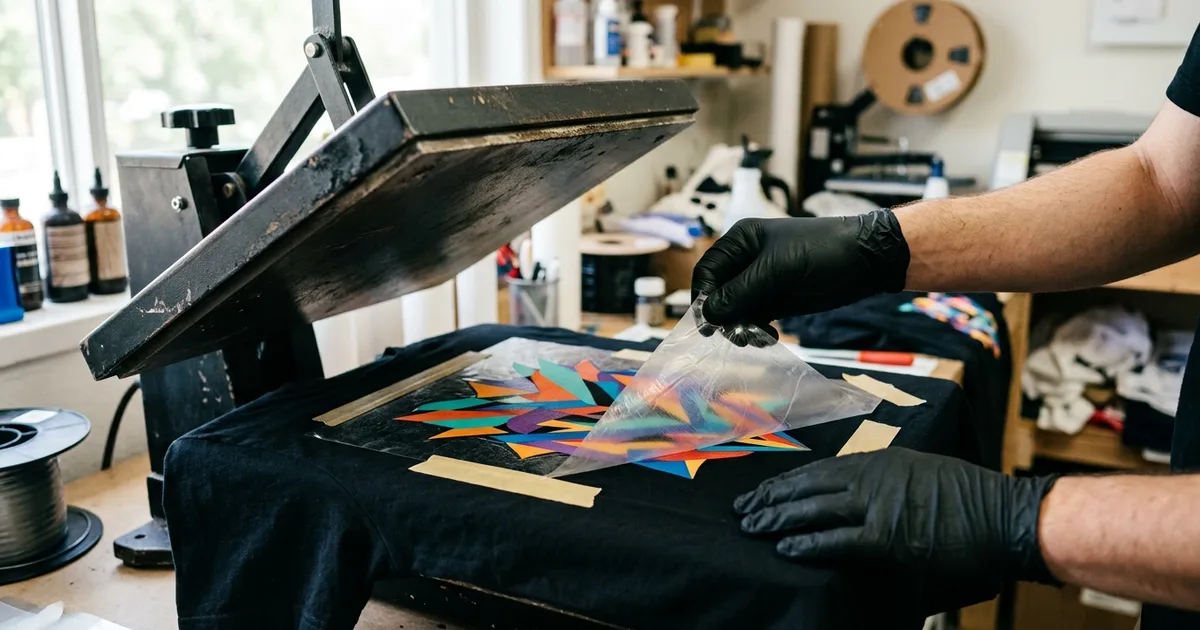
DTF ghosting is a faint double or shadow image, usually from film shifting when the press opens or during peel. The causes, fixes, and how to tell them apart.
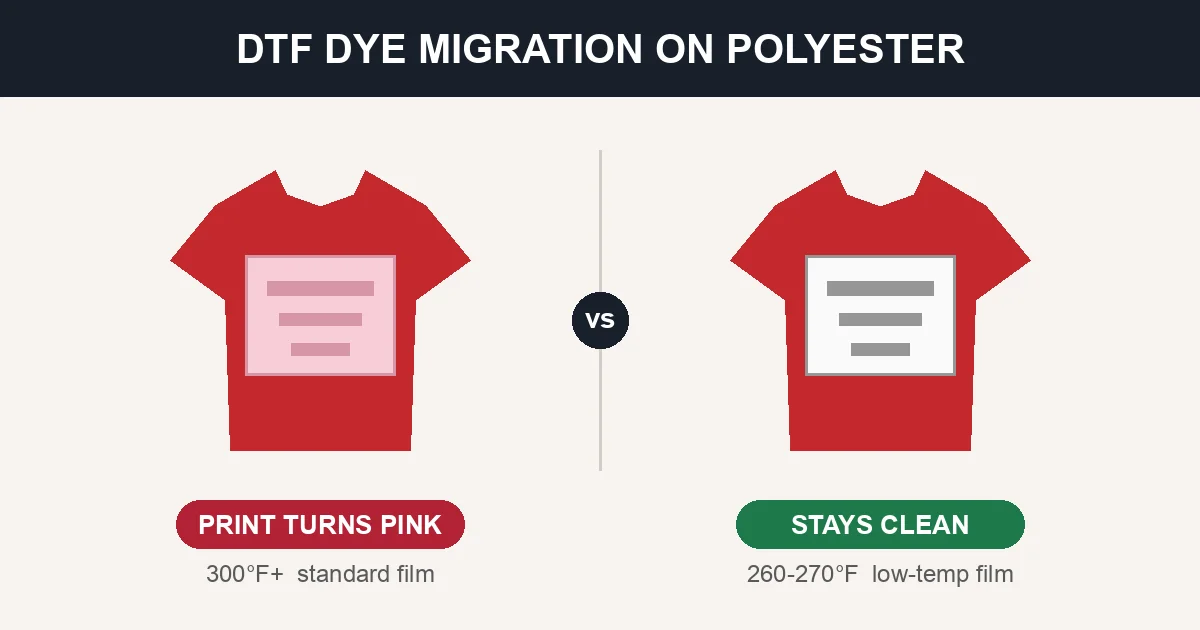
Pressed a white design on a red polyester tee and it turned pink a day later? That's dye migration. Here's why polyester does it, which garment colors are worst, and the exact films, temperatures, and blanks that stop it before it ruins a run.
DTF prints that look faded, dull, or washed out usually point to a weak white underbase, a color-management issue, or over-pressing — if they look dull off the press — or to dye migration and harsh washing if they fade later.
When the carrier film won't release cleanly or the finished print feels gummy, sticky, or tacky, the problem happened at the press. A diagnostic guide to peel failures, under-cured prints, ghosting, and gloss boxes.
A DTF print that looks perfect on day one but cracks or peels after a few washes was almost always under-bonded at the press — or washed too harshly. A diagnostic guide to wash-stage failure and how to prevent it.
A DTF transfer that won't stick — or lifts at the edges right after pressing — almost always comes down to heat, pressure, time, or peel timing. A step-by-step diagnostic guide to adhesion failure and how to fix it.
Related Topics
Master DTF dtf troubleshooting
Stay ahead of the curve with the latest dtf troubleshooting techniques and insights. Get expert tips, tutorials, and industry updates delivered to your inbox.