
Inkscape for DTF Transfers: Free Illustrator Alternative
How to set up Inkscape 1.4 for DTF: document size, 1.5 pt line minimums, text to paths, tracing, and exporting a transparent 300 DPI PNG, all for free.
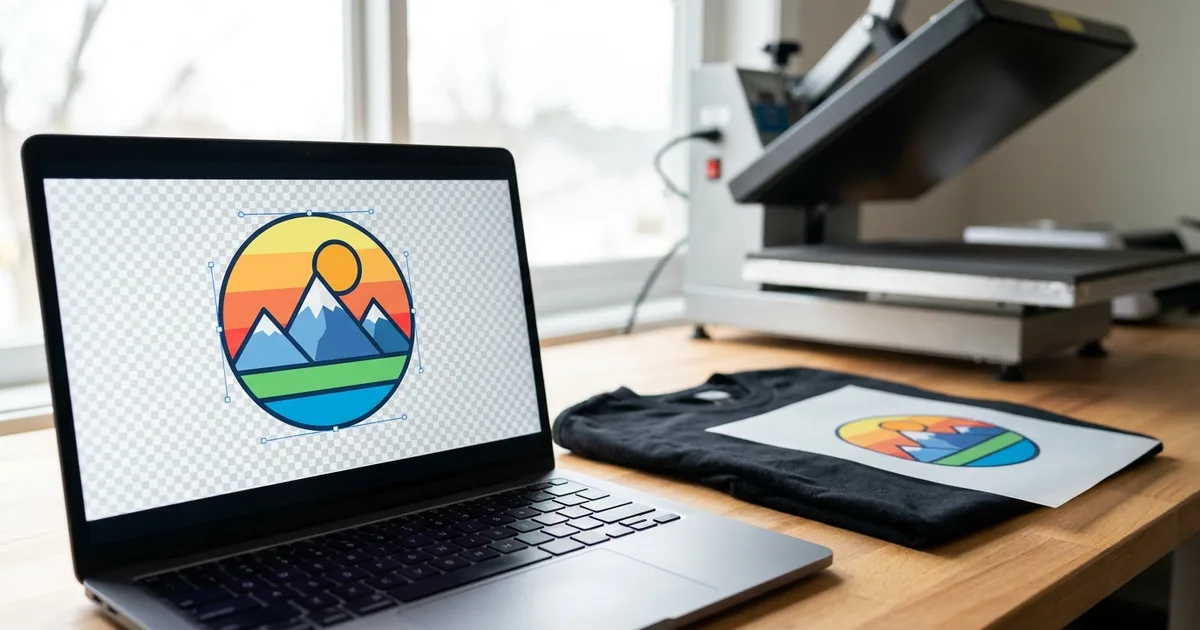
Vector software is the right starting point for logos, lettering, badges, and flat illustrations. Vector shapes are made of paths, not pixels, so they stay sharp at any size. The vector vs. raster guide explains why this matters when a design is printed on film and pressed onto a shirt.
What Inkscape does well for DTF
- Clean edges at any size. A left-chest logo and a full-back print can come from the same file.
- Text on paths and curved lettering. Useful for team names, arched text, and circular badges.
- Trace Bitmap. Turns a raster logo into editable vector paths (Path > Trace Bitmap).
- Precise sizing. Documents can be set in inches, which avoids math when matching a transfer size.
- Opens other formats. Inkscape reads SVG, PDF, EPS, and most Adobe Illustrator files saved with PDF compatibility. Version 1.4 added import for Affinity Designer files.
What it does not do well is photo editing. Retouching, background removal on photos, and texture work belong in a raster editor such as GIMP or Affinity, which is now also free.
Step 1: Set up the document at print size
Open File > Document Properties (Shift+Ctrl+D). Set the display units and page size to inches, then enter the real transfer size. Common starting points:
| Placement | Typical transfer size |
|---|---|
| Adult standard front | 11 to 12 in wide |
| Adult left chest | 3.5 to 4 in wide |
| Adult full back | 12 to 14 in wide |
| Youth standard front | 8 to 10 in wide |
| Sleeve | 2 to 3 in wide |
The DTF placement calculator gives exact sizes and measurements by garment and size. Designing at the real size makes it easy to see when text is too small to print.
Step 2: Respect DTF minimums
DTF can print fine detail, but very thin lines and tiny text can break up or fail to bond. The DTF file prep guide recommends:
- Lines and strokes at least 1.5 pt thick.
- Sans-serif text at least 8 pt, serif text at least 10 pt.
- No hairline strokes.
In Inkscape, set stroke width in Object > Fill and Stroke (Shift+Ctrl+F) on the Stroke style tab, and switch the unit to pt so the number matches the guideline.
Step 3: Convert text and strokes to paths
A DTF supplier opening an SVG or PDF without the fonts installed will see substitute fonts. Before sending vector files, select all text and use Path > Object to Path (Shift+Ctrl+C). For outlined shapes, Path > Stroke to Path turns each stroke into a filled shape, so it cannot shift in weight when the design is resized.
Keep an unconverted copy of the file. Once text is a path, it cannot be edited as text.
Step 4: Keep the background transparent
Inkscape exports with a transparent background by default. Beginners are often surprised by this, according to the Inkscape Beginners' Guide. For DTF, that default is exactly right. Do not add a white rectangle behind the design, because any white area prints as white ink on the film and shows up on the shirt.
If a design needs white elements, such as white lettering on a dark shirt, draw them as white shapes on purpose. Everything that is not part of the design should stay empty.
Step 5: Export a 300 DPI PNG
Most DTF suppliers and RIP software work from PNG files. Open File > Export (Shift+Ctrl+E):
- Choose the export area. Page exports the full page. Document exports all of the artwork, cropped to its edges. Selection exports only the selected objects.
- Set the DPI to 300. Inkscape calculates the pixel size from the document size. An 11-inch-wide design at 300 DPI exports 3,300 pixels wide.
- Choose PNG as the file type, name the file, and click Export.
Inkscape exports with no margin, so tightly cropped designs can look cut off in a preview even when they are not. Check the file on a dark background before sending it. If the design has soft shadows or glows, flatten them into solid shapes or a halftone pattern first. Semi-transparent pixels print partial white ink, which can look blotchy on the shirt.
Step 6: Trace a customer's raster logo
When a customer sends a small JPG of a logo, Path > Trace Bitmap (Shift+Alt+B) can turn it into vectors. Brightness cutoff works best for one-color logos. Multiple scans with the Colors mode handles multi-color art, and creates one object per color. The full walkthrough, including cleanup and when to redraw instead, is in the free logo vectorizing guide.
Inkscape vs. Adobe Illustrator for DTF
| Inkscape 1.4.4 | Adobe Illustrator | |
|---|---|---|
| Price | Free | Subscription |
| Platforms | Windows, macOS, Linux | Windows, macOS |
| Native format | SVG | AI |
| Opens AI files | Most files saved with PDF compatibility | Yes |
| Auto-trace | Trace Bitmap | Image Trace |
| PNG export at set DPI | Yes | Yes |
| Color mode | RGB | RGB and CMYK |
The RGB-only workflow is not a problem for DTF. RIP software converts RGB artwork to the printer's ink set using its own ICC profile, and the DTF color management guide explains why designing in RGB is the normal approach.
Frequently Asked Questions
Is Inkscape good enough for professional DTF designs?
Yes, for vector work. Inkscape produces the same kind of paths as paid vector programs and exports PNG files at any DPI, which is what DTF printing needs. Its weak spot is photo editing, so shops that do photo shirts pair it with a raster editor like GIMP or Affinity.
What DPI should Inkscape export for DTF transfers?
Export at 300 DPI with the document set to the real transfer size. An 11-inch-wide design exported at 300 DPI comes out 3,300 pixels wide, which gives DTF printers enough detail. Going higher adds file size without a visible gain on fabric.
Why does my Inkscape PNG have a transparent background?
Inkscape exports the page background as transparent by default. For DTF that is correct, because transparent areas get no ink. If a white background appears, open Document Properties and check that the background color's alpha is set to zero.
Can I send an SVG file to a DTF printer instead of a PNG?
Some suppliers accept SVG or PDF, but many DTF gang sheet builders and RIP programs expect PNG. The file prep guide notes that SVG is not supported directly by most RIP software. Export a 300 DPI PNG unless the supplier says otherwise.
Does Inkscape work on a Mac?
Yes. Inkscape 1.4.4 is available for macOS, Windows, and Linux as a free download from the Inkscape project. The Mac version is the same program as the Windows version, so tutorials and settings carry over.
Where it fits in the DTF Database
Inkscape covers the vector half of DTF design for free. For the rest of the free workflow, see free DTF design tools and background removers. Once files are ready, compare transfer suppliers in the supplier directory, or lay out several designs with the gang sheet optimization guide.
Tags
About the Author
DTF Database Founder
Darrin DeTorres has over 10 years of experience in the print industry, specializing in screen printing, sublimation, embroidery, HTV, and DTF printing. He runs Notice Me Marketing and Media, a custom apparel production company that prints thousands of shirts per month.
More from Tutorials
How to prep DTF files in GIMP 3.2, the free Photoshop alternative: 300 DPI setup, background removal, fixing semi-transparent edges, and PNG export.
Explore DTF Database
Browse and compare 20+ verified DTF printer models by price, features, and specifications.
Read moreCalculate your per-print costs, profit margins, and ROI for DTF printing.
Read moreBrowse verified DTF suppliers for ink, film, powder, and equipment.
Read moreFind DTF transfer suppliers shipping to your state, with verified turnaround times.
Read moreMetro-level DTF supplier guides for Los Angeles, NYC, Dallas, Houston, and more.
Read moreStep-by-step guide to the DTF printing process with temperatures and troubleshooting.
Read more