
Affliction Designs: How to Create an Original Affliction-Style Shirt Design and Print It With DTF
Affliction designs explained: the full-coverage, wings-and-crosses look, how to make an original design in that style, and DTF print tips.
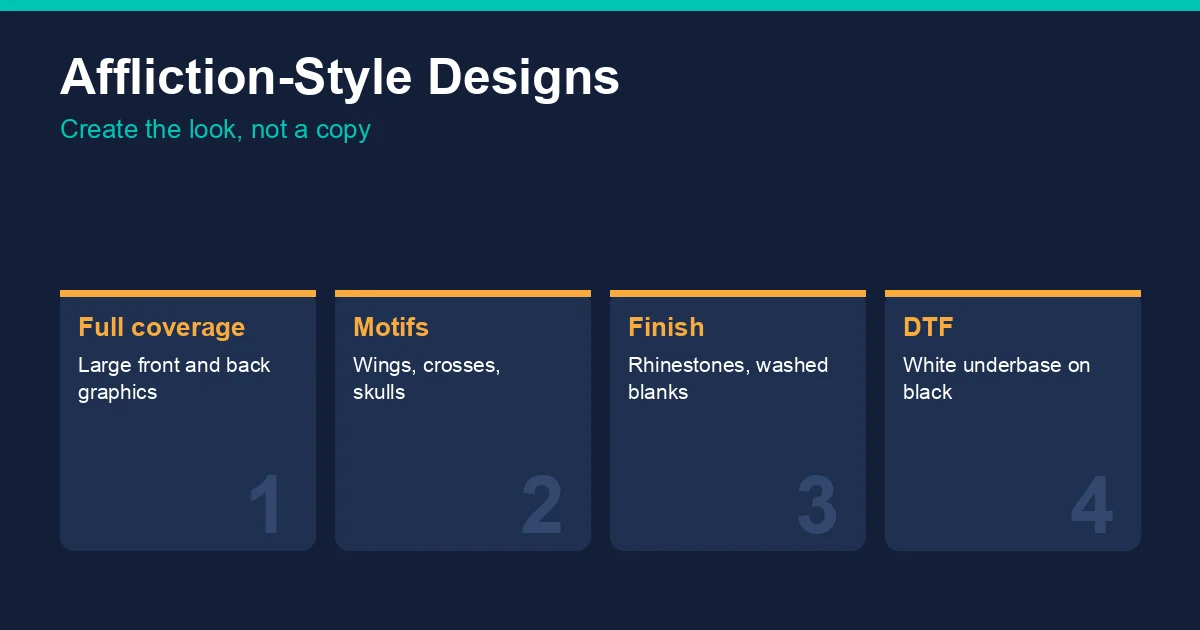
What makes an Affliction-style design
From Affliction's own site and product listings:
- Full coverage. Large graphics spread across the front, the back, or both, rather than a small chest logo.
- Recurring motifs. Product names include wings, crosses and skulls, often combined with ornate linework.
- Embellishment and washes. Product descriptions mention rhinestones over the front and back, enzyme and silicone washes after printing, and burnout fabric.
How to make an original design in that style
- Start from your own motif. A personal symbol, a city, a gym or a team name works better than borrowing someone else's emblem.
- Build it large. Plan for an oversized front or a full back; the placement calculator gives the largest sizes for each shirt size.
- Layer ornament around it. Wings, scrollwork, crosses and texture can be drawn or licensed from stock sites that allow merchandise use; check each licence.
- Add texture in the artwork. Distress and grunge textures should be built into the file, because DTF prints exactly what is in the artwork.
- Pick a heavy display font. The streetwear fonts guide lists free fonts that allow commercial use, including blackletter.
Do not use Affliction's name, logos or recognisable artwork on shirts for sale. The licensed character guide explains how copyright and trademark apply to printed shirts.
Printing an Affliction-style design with DTF
- Large transfers. Full-coverage designs need the largest transfer sizes; order them on a gang sheet with your other work, using the gang sheet calculator to plan the sheet.
- Dark shirts work. DTF prints its own white underbase, so detailed artwork stays bright on black, which suits this look.
- Fine detail. Keep thin lines at roughly 1/16 inch or thicker at print size so they print cleanly.
- Washed and burnout blanks. Garment-dyed and washed blanks give a worn look; press at the fabric's settings in the DTF temperature and time chart, and test burnout or poly-heavy fabric first.
- Rhinestones. Rhinestone transfers are a separate product applied with a heat press; add them after the DTF print.
Frequently asked questions
What is the Affliction design style?
Large, full-coverage graphics with ornate details, often featuring wings, crosses and skulls, sometimes finished with rhinestones or a washed garment.
Can I print Affliction designs on shirts?
Not Affliction's own artwork or logos for sale; they are protected. You can create original designs in a similar style.
What size DTF transfer for a full-coverage design?
Use the largest size that fits the shirt; the placement calculator lists maximum print sizes for each shirt size.
When was Affliction founded?
Affliction says it was born in 2005 as a passion project between friends. It is based in Seal Beach, California.
Tags
About the Author
DTF Database Founder
Darrin DeTorres has over 10 years of experience in the print industry, specializing in screen printing, sublimation, embroidery, HTV, and DTF printing. He runs Notice Me Marketing and Media, a custom apparel production company that prints thousands of shirts per month.
More from Tutorials
How to design a crewneck sweatshirt: print sizes for the front, back, chest and sleeve, where each design sits, which crew blank to use and how to press it.
Streetwear fonts for shirt designs: 20 free Google Fonts by style, from heavy condensed to blackletter and graffiti, what their licenses allow and print tips.
Explore DTF Database
Browse and compare 20+ verified DTF printer models by price, features, and specifications.
Read moreCalculate your per-print costs, profit margins, and ROI for DTF printing.
Read moreBrowse verified DTF suppliers for ink, film, powder, and equipment.
Read moreFind DTF transfer suppliers shipping to your state, with verified turnaround times.
Read moreMetro-level DTF supplier guides for Los Angeles, NYC, Dallas, Houston, and more.
Read moreStep-by-step guide to the DTF printing process with temperatures and troubleshooting.
Read more